Getting started
What MC-POS is, how to open your account, and what you see when you first sign in.
A complete walkthrough of the MC-POS cloud back office and the till app — from creating your business to closing your books. Pick a section below, or search.
What MC-POS is, how to open your account, and what you see when you first sign in.
Your business details, document numbering, printing, terminals and staff logins.
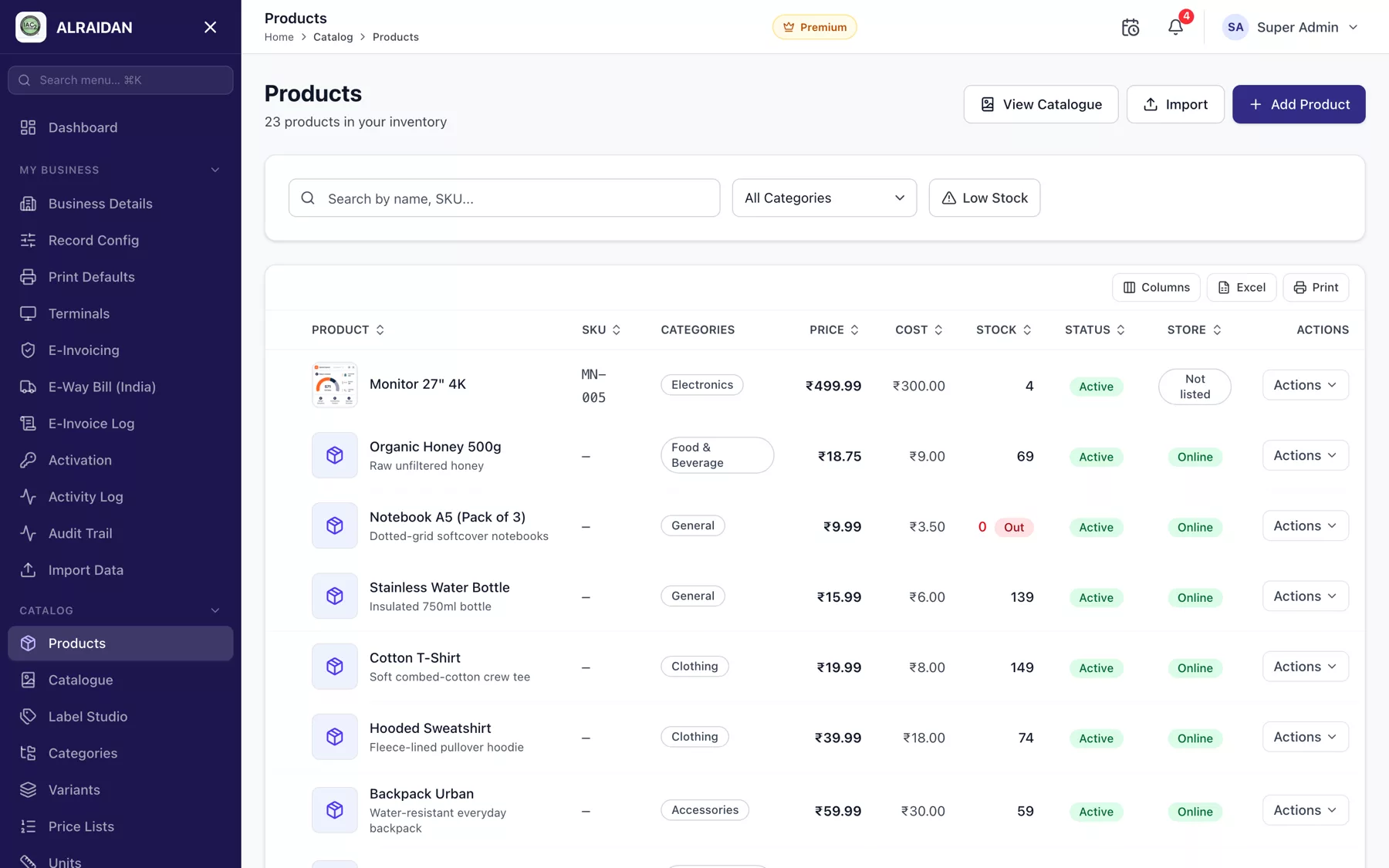
Categories, units, tax, products, variants, price lists, batches and labels.
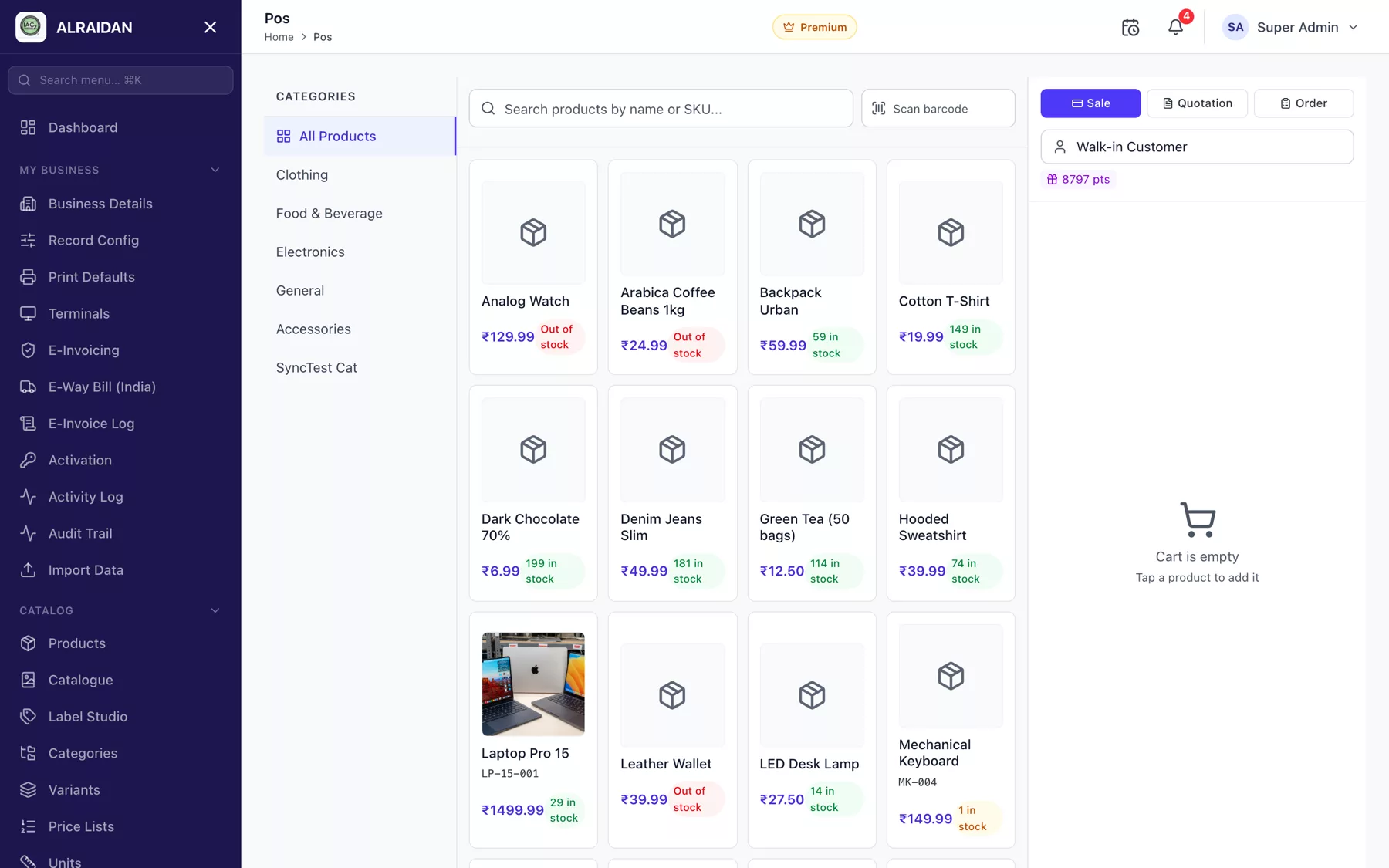
The POS screen, invoices, quotations, returns, discounts and loyalty.
Vendors, purchase orders, goods receipts and purchase returns.
Warehouses, stock levels, adjustments, transfers and the stock ledger.
Payment methods, the cash drawer, expenses, vouchers and bank accounts.
Chart of accounts, fiscal years, journals and the financial statements.
ZATCA for Saudi Arabia and the e-invoice log.
Tables, kitchens and food types for cafés and restaurants.
Employees, attendance, leave, salary and payslips.
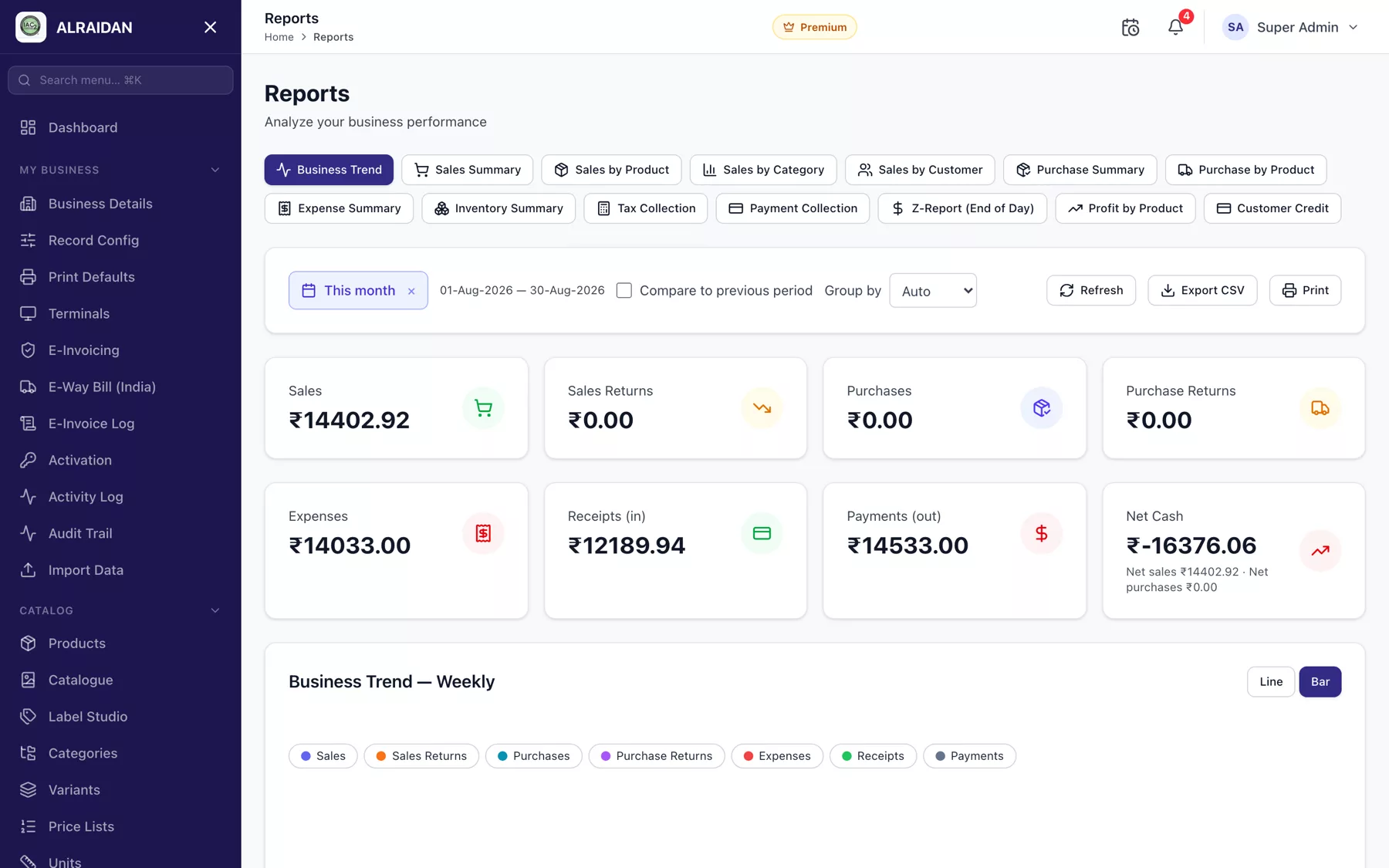
Sales and stock reports, AI insights, and the audit trail.
Your storefront, published products, online orders and marketing.
Installing on Android, iOS, macOS or Windows, signing in offline, syncing and printing.
For MC-POS operators: businesses, subscriptions, keys and revenue.
Send us the screen you are on and what you expected to happen. We answer on WhatsApp and email.
WhatsApp Email